
miniOrange logo

Single Sign-On
(SSO)

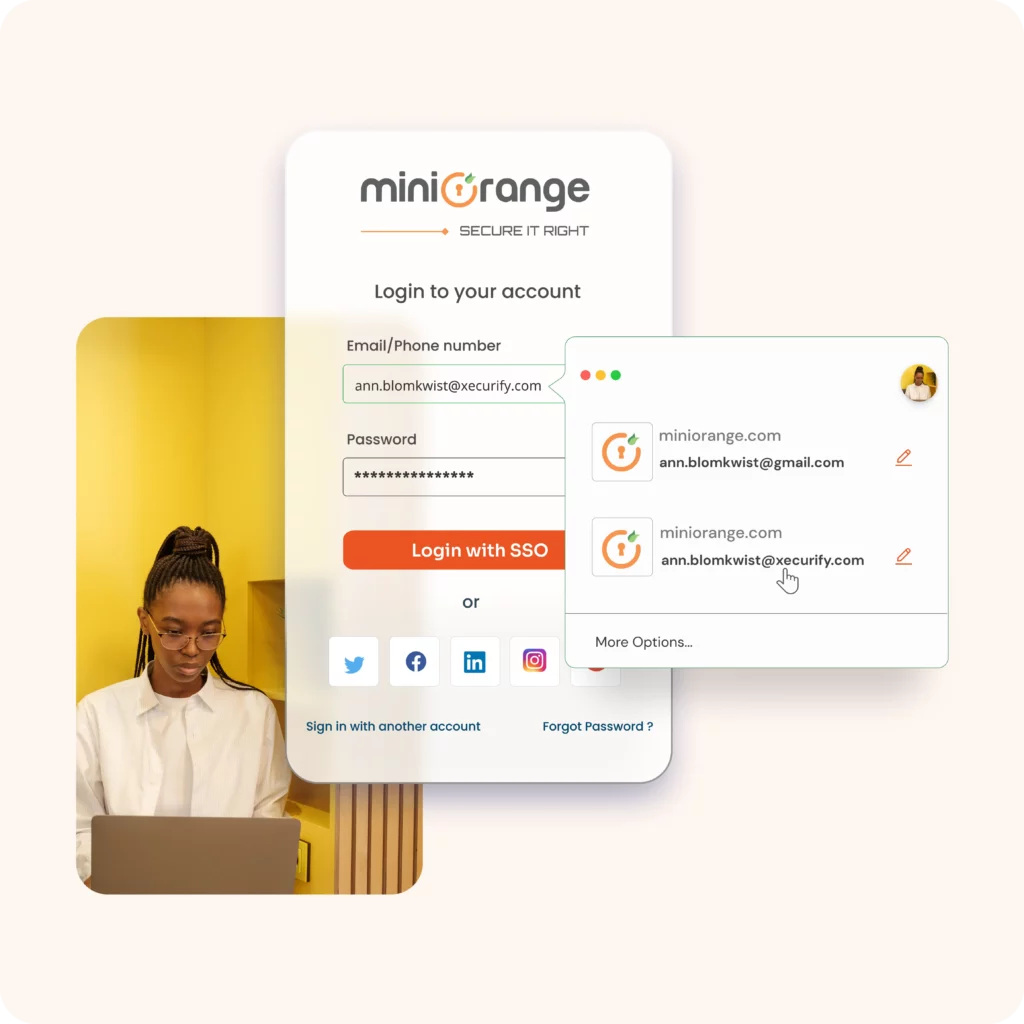
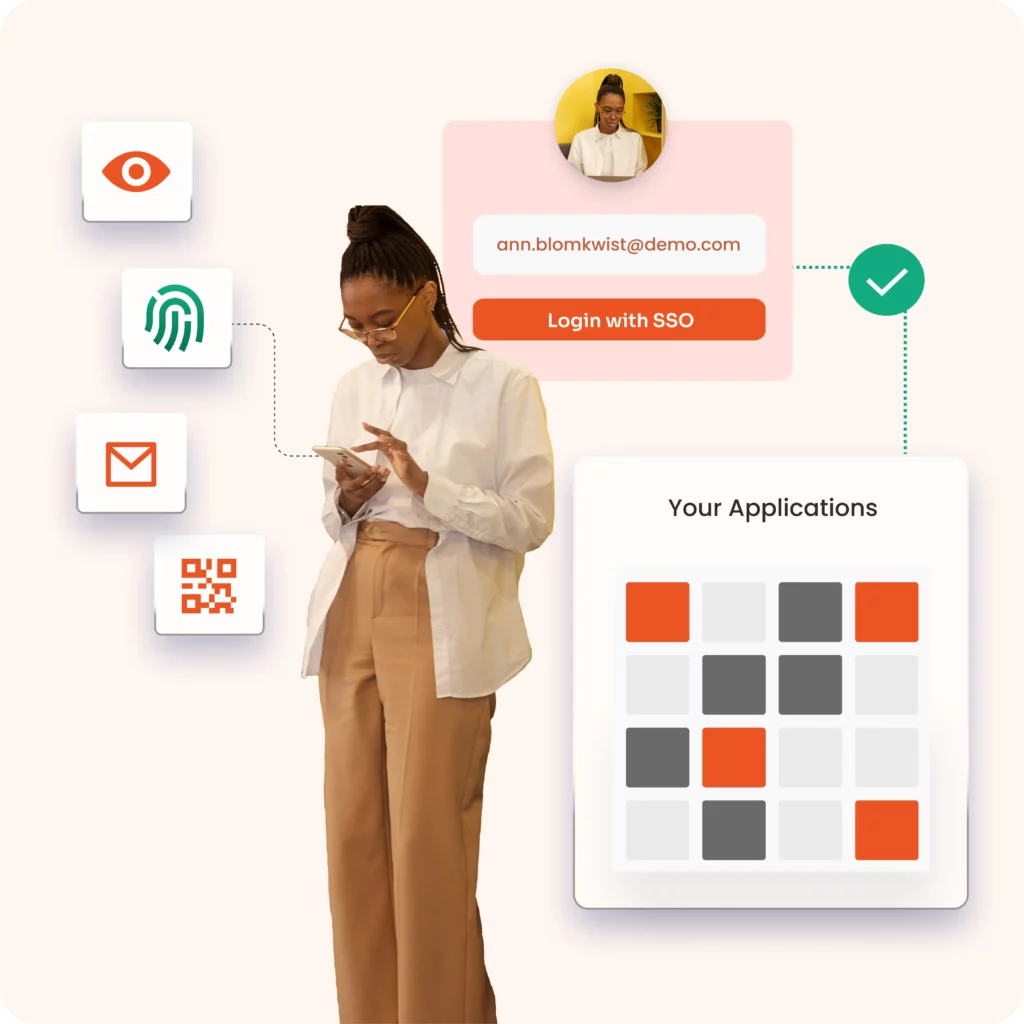
One-click access to all applications using a single set of credentials for companies of all sizes, from SMEs to large corporations.


  A single dashboard to access all your applications - in the cloud, on-site and internally.

  Centrally manage user identities, access, security policies and much more with miniOrange.

  Combine SSO with password management, simplifying credential handling.

  Administrators can gain deep insights into user logins and access.

Training more than 25 thousand customers around the world

logos of various companies

What is Single Sign-On?
(SSO)?

Single Sign-On (SSO) is a system that allows a seamless login process for a user to access multiple applications with a single username and password. The SSO service is an important part of Identity and Access Management (IAM) This makes overall password management easier. With SSO software, the end user's time and effort are saved, as they don't have to constantly log in and out of various web, local and cloud applications.

Make a difference with single sign-on

Single sign-on authentication (SSO)

Password manager

Simplified and secure login process by combining SSO with password management, simplifying credential handling and reducing IT overhead.

Windows domain authentication

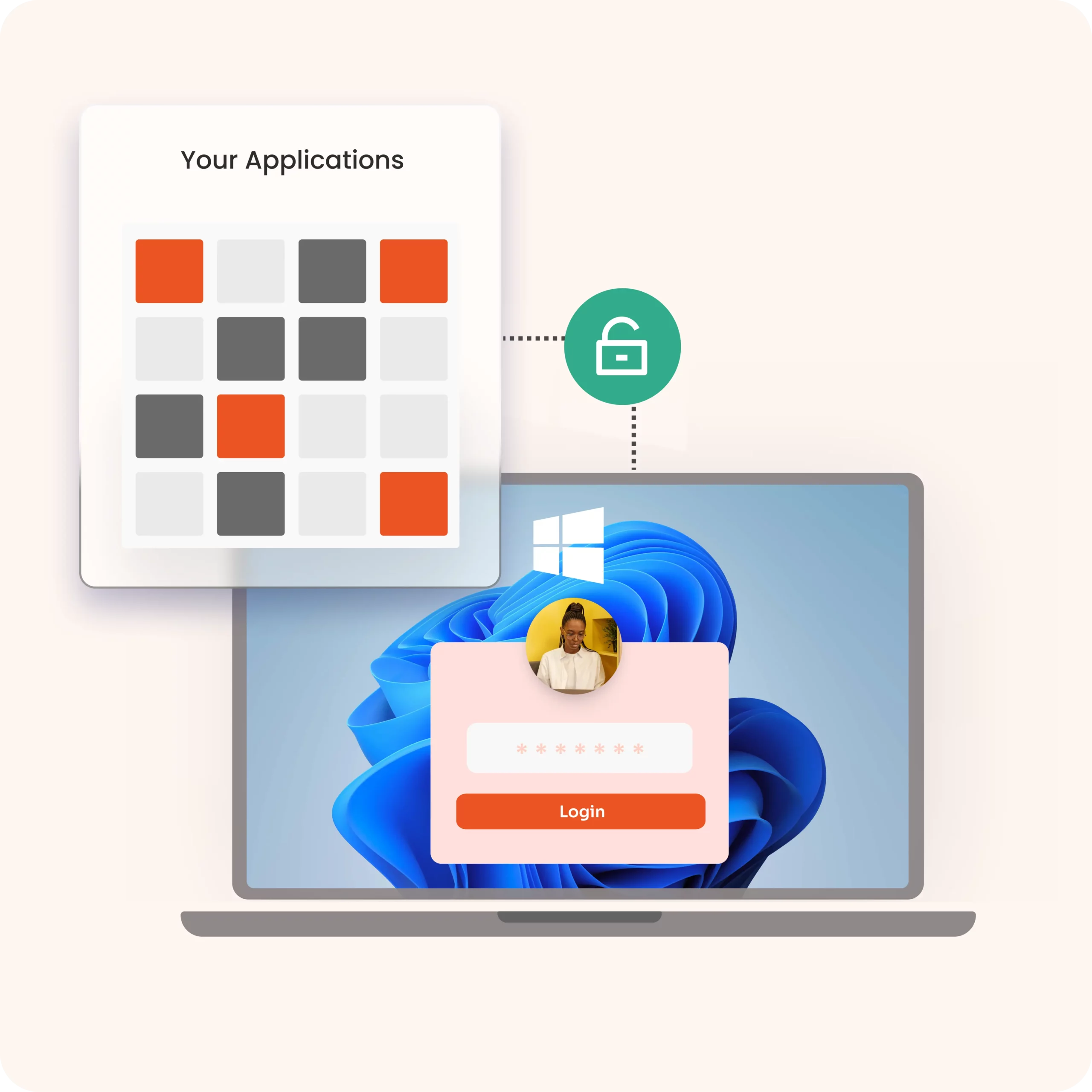
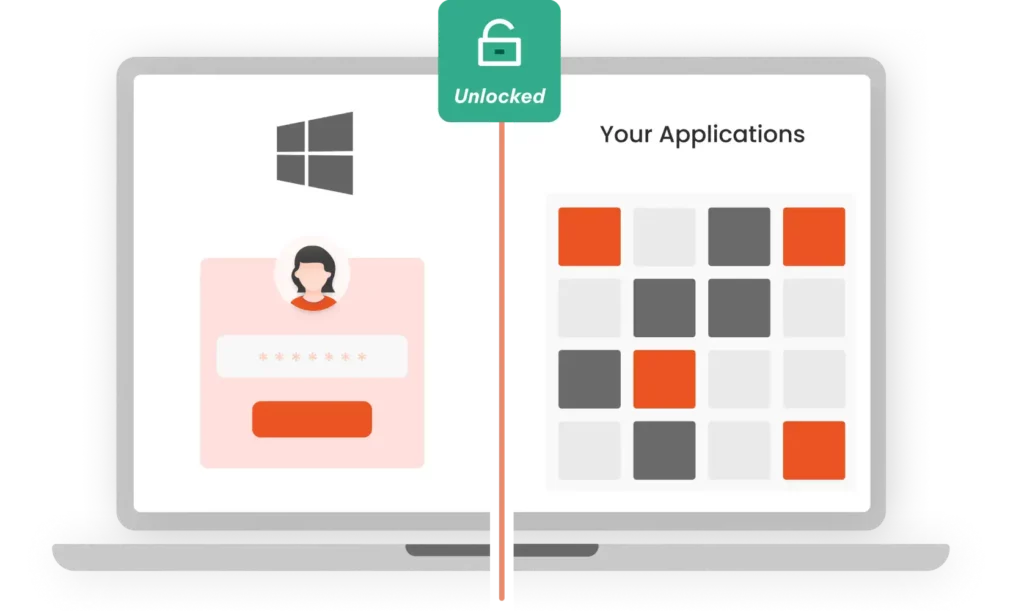
Integrated SSO login with integrated Windows authentication, eliminating the need to re-enter credentials, reducing friction and increasing productivity.

Incoming Federation
Shopify single sign-on

SSO integration for internal applications

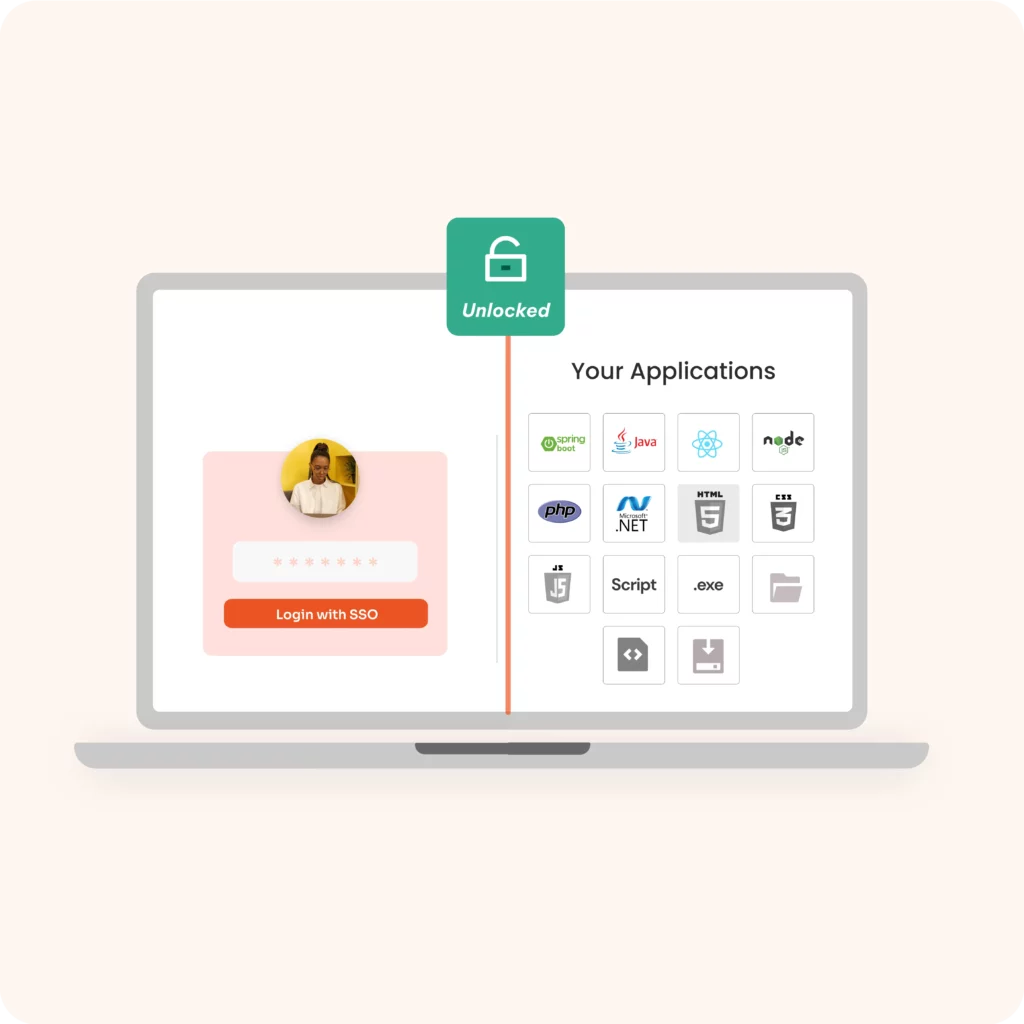
Seamlessly integrate SSO with internal applications created in Spring Boot, Java, PHP or .NET using miniOrange's custom connectors, ensuring secure access without major system changes.

Adaptive single sign-on (SSO)

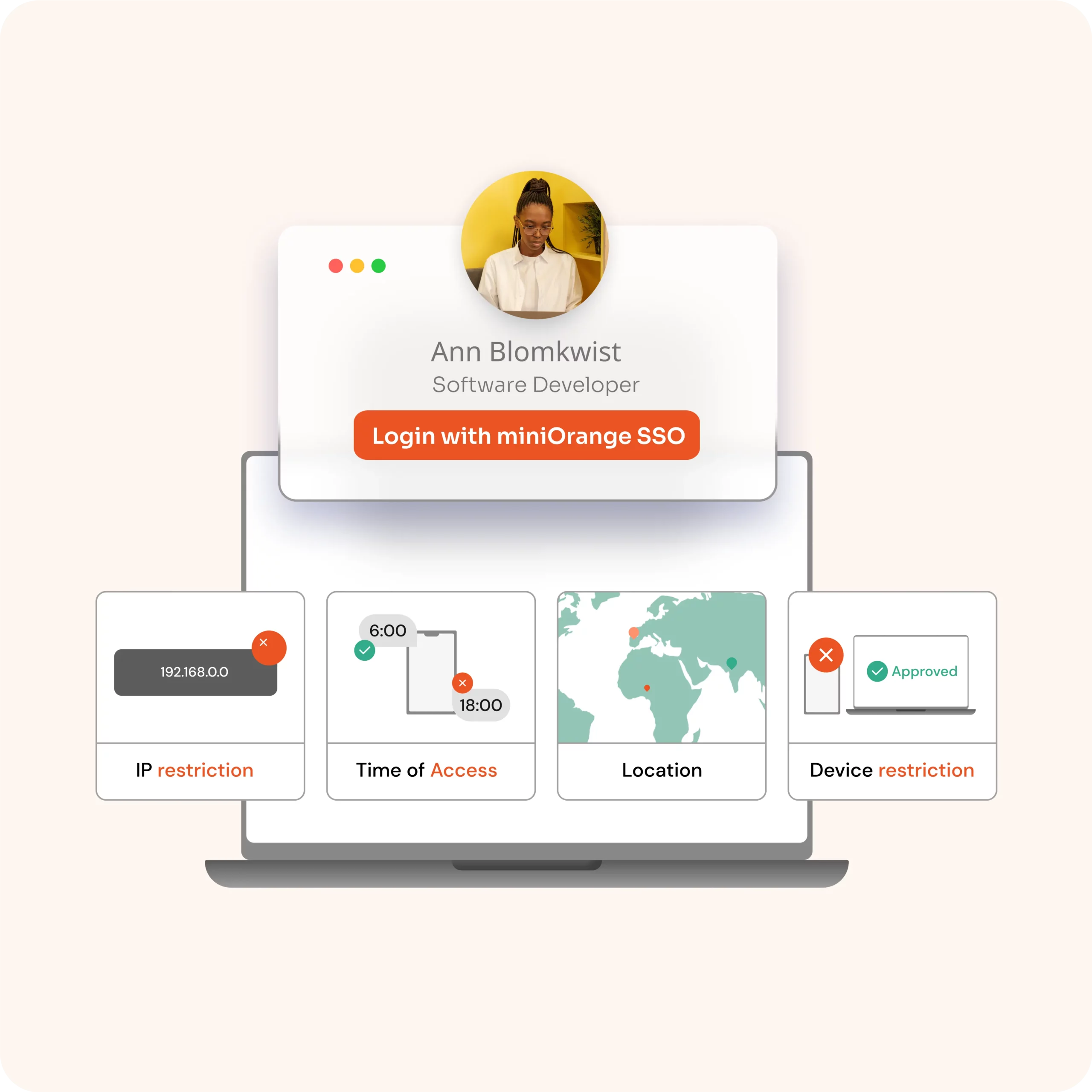
Identify and prevent unauthorized access and hacker login attempts with adaptive SSO features that closely monitor user behavior to adapt to the situation and invoke the right security response.

User access via Single Sign-On
SSO without password

Single sign-on without password (SSO)

Improve security and the user experience with passwordless login, reducing the risk of phishing and password fatigue.

Deploy SSO access to all your corporate applications

miniOrange provides more than 6,000 pre-built integrations to securely adopt and deploy the Single Sign-On (SSO) service in several cloud-based applications (SAAS), both internal and local, without maintaining the integrations individually. With the pre-integrated SSO service, it's even easier for companies to quickly set up the necessary application and provide integrated SSO access.

logo collection
user authentication

miniOrange Login Solutions: Desktop, Shared, Social and Multiple Login

Easily access your corporate applications with desktop login (Windows network), without the need for multiple credentials. Share access securely between multiple users without creating individual accounts with shared login. Enable authentication using social networks such as Google, Facebook and LinkedIn with social login. And if you have multiple Microsoft accounts, use multiple login to access them with a single password and a single click.

Stay ahead with the SSO solution

sso-login icon

SSO Login with Identity Federation

Enable enterprise SSO login with external directories or identity sources such as Active Directory, LDAP ADFS, HR systems, Microsoft 365, G Suite, social providers and CRM.

settings logo

Continuous user management

Easily add/remove/update users and groups and control access to the application directly from the SSO administration portal, ensuring simplified management and enhanced security.

personalized login icon

Personalized SSO login

Improve the user experience with a personalized login/registration page, including multilingual support to personalize the user experience for your workforce, customers and partners.

protocol icon

Support for all standardized protocols

Support for all SSO protocols (SAML 2.0, OAuth/OpenID, SCIM, LDAP, etc.), making Single Sign-On deployment perfect for all types of applications.

administrator logo

Advanced SSO administrator control

Administrators can easily customize groups, roles and permissions and obtain user SSO login insights from active usage reports, which can be downloaded in CSV or synchronized with SIEM.

security icon

Enhanced security and compliance support

Easily comply with data regulatory requirements such as GDPR, NIST, PCI DSS and SOC by integrating SSO.

SSO login options for continuous authentication

SSO solution for Nahdi Medical Company

Headquartered in Jeddah, Nahdi Medical Company is a leading Saudi retail pharmacy chain and one of the most important and fastest-growing companies in the region.

Nahdi Medical Company
SENWAVE Wave payments

SSO solution for Senwave

Senwave is a Malaysian-based company that provides Digital Transformation, retail ERP and food and beverage ordering solutions to customers around the world. Its mission is to accelerate the global transition to AI and blockchain and provide IT services.

SSO + MFA solution for DBS

Headquartered in Marina Bay, Singapore, DBS is a Singaporean multinational banking and financial services company. It is the largest bank in Southeast Asia by assets and one of the largest banks in Asia.

DBS Bank
Emirates Transportation

SSO solution for Emirates Transport

Founded in 1981 by Federal Law, Emirates Transport used the miniOrange On-Premise IAM solution and was able to facilitate access to its resources and protect its internal users.

SSO and MFA solution for the Oberoi Group

Oberoi hotels and resorts were looking for a solution that would offer easy and secure access to their local and cloud applications using SSO. They also wanted to offer their employees a reliable and frictionless self-service password reset functionality.

Oberoi Udaivilas

Benefits of the SSO solution

sercurityposture

Stronger security posture

With Single Sign-On, you can implement password policies such as password length, complexity, password reuse restrictions, session timeouts, etc. to strengthen the security posture.

cost reduction logo

Reduced IT costs

SSO authentication allows users to manage individual panels and reset their passwords, eliminating the need for IT support. This helps reduce IT costs.

pay as you grow

Scale and pay as you grow

miniOrange's competitively priced cloud-based SSO solution allows you to choose your subscription plan based on your current requirements and scale as you grow. Adapt your subscription plan to your needs.

Questions Frequent

  1. Stronger passwords due to fewer logins.
  2. Eliminates the reuse of passwords in all applications.
  3. Simplifies the application of passwords for IT teams.
  4. Centralized configuration of multi-factor authentication (MFA).
  5. Reduces the time spent recovering passwords.
  6. Improves security by managing credentials internally.

There are several SSO protocols and standards, including:

  1. SAML: An open standard that allows secure data exchange between applications for web-based SSO.
  2. OAuth: An authorization protocol that allows applications to share user data securely, without the need for new authentication.
  3. OpenID Connect (OIDC): Built on OAuth 2.0, it allows users to log in to several applications with a single session.
  4. Kerberos: provides mutual authentication between users and servers via tokens.
  5. Smart card authentication: uses physical cards and cryptographic keys for secure authentication.

Yes, SSO can be safe when implemented correctly. The main security measures include:

  1. Define user roles and permissions carefully.
  2. Apply stricter security for users with high privileges, such as policies based on location or device.
  3. Integrating strong Multifactor Authentication (MFA).
  4. Using risk-based authentication to adjust security based on potential risks.
  5. Detailed logging and reporting to monitor authentication activities.

First, the user tries to gain access to the desired application/website, which is from the Service Provider.

  1. The application/website (Service Provider) redirects the SSO request to the Identity Provider for authentication.
  2. The user tries to log in with their Identity Provider credentials.
  3. Once IDP authentication is successful, the Identity Provider (IDP) sends the Single Sign-On response to the Service Provider.
  4. On receiving the response from the SSO, the user is given access to log in and access the resource or application.
  5. Here, the user can access all the Service Provider's other applications/websites that are pre-configured for SSO (Single Sign-On).

Knowledge Factor (something you know) Knowledge factors include various passwords, PIN codes and answers to security questions. Anything you can remember, type, say, do, perform or otherwise recall when needed is considered an element of knowledge.
Possession Factor (something you have) This factor suggests that you own a specific physical object that a hacker would not acquire. This category includes smart cards, cell phones, physical tokens, key chains and key rings.
Inherence Factor (something you are) Inheritance factor can include something that is part of or unique to your physical body, such as a fingerprint, a retinal test, voice or facial recognition or any other type of biometric. As the name suggests, it's something a person inherits.

Single sign-on (SSO) is available in various forms to meet different organizational needs. The main types of SSO are: Web SSO, Enterprise SSO and Mobile SSO .

Single sign-on initiated by the SP: occurs when the user starts to log in to your application (SP) and is sent to your Identity Provider (IdP) to log in and is then redirected back to your application.

IDP-initiated single sign-on: The user logs in directly to the IdP instead of the application's login page. Learn more about SSO initiated by IDP and SP.

Join miniOrange's SSO partner program and offer the best SSO solution, customized for each customer use case. To find out more, visit: SSO Partner .

Learn about other Identity Management

The identity management solution is suitable for companies of all sizes, from small businesses to large organizations. The solution is easy to use and offers a variety of features to help companies protect their digital identities.

Companies provide end users with access to their digital property, as well as governing, collecting, analyzing and securely storing all user data.

Learn about other