miniOrange logo

Multi-factor authentication
(MFA)

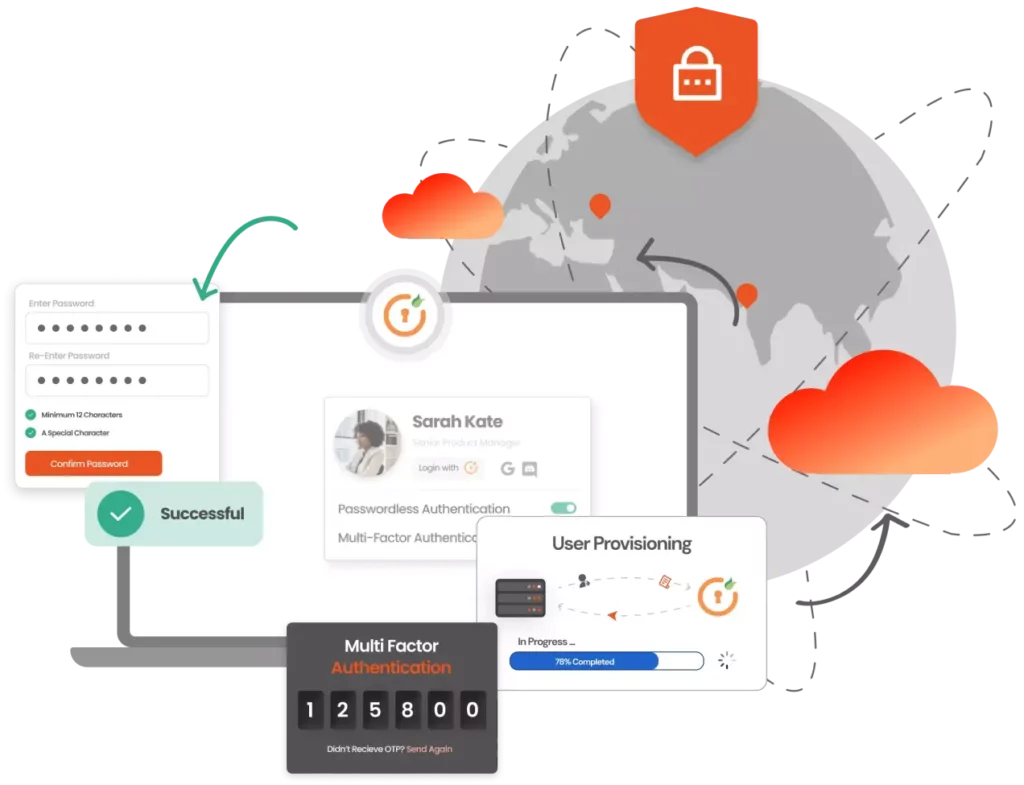
The multi-factor authentication (MFA) solution adds a strong layer of security to your regular authentication to ensure secure access to all corporate applications, such as legacy, on-premises and SaaS.


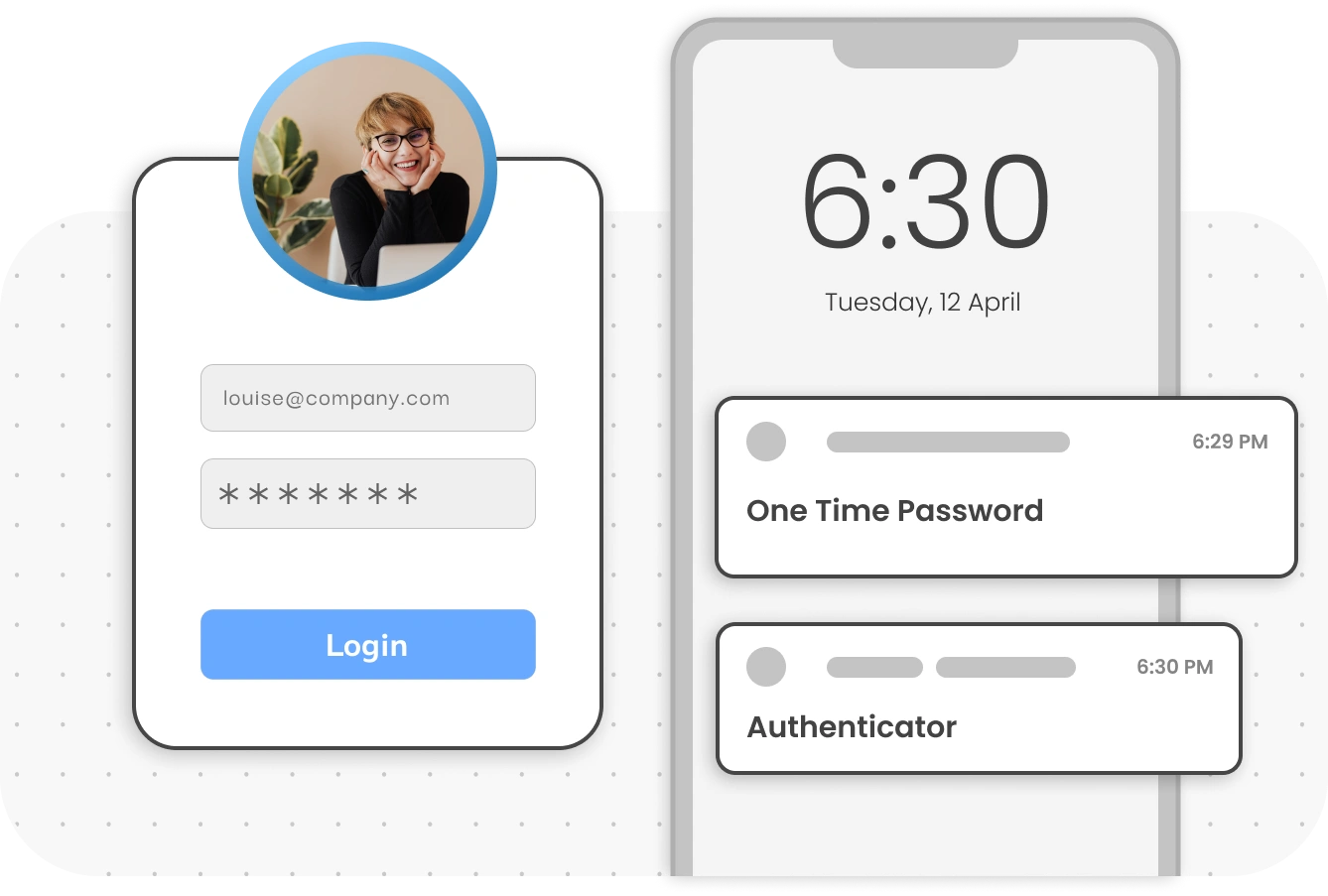
  Choose from more than 15 MFA methods, such as OTP by phone/SMS, authenticator applications, etc.

  Protect your network devices, such as VPNs, firewalls, routers, etc.

  Protect your Active Directory, Windows, Linux and Mac login access.

What is Multifactor Authentication
(MFA)?

Multifactor Authentication (MFA) is an authentication method that requires the user to provide two or more verification factors in order to gain access to critical corporate resources and applications, in the cloud or on-premises. MFA is an essential component of a robust Identity and Access Management (IAM) policy which prevents unauthorized access and cyber attacks.

Examples of MFA use cases

VPN MFA Security

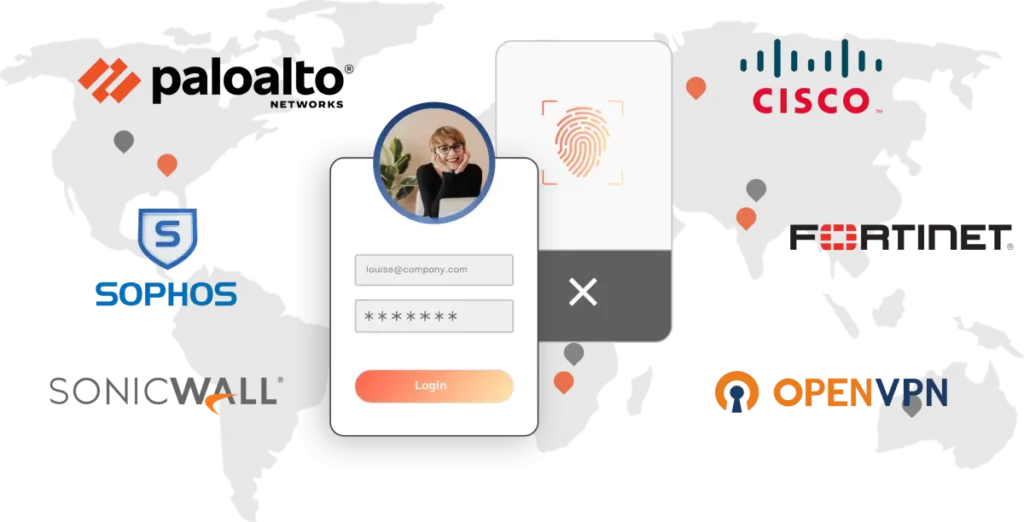
Hackers exploit vulnerabilities in VPNs using tactics such as credential theft, malware, weak passwords and social engineering. By implementing Multifactor Authentication (MFA) for VPNs, you can significantly reduce unauthorized access and violation of privacy.

miniOrange VPN MFA supports:

  • All the main global VPNs, such as Cisco, Pal Alto, Fortinet, etc.
  • All RADIUS protocols: CHAP, PAP, etc.
  • Effortless integration (no separate Radius proxy module required)
secure user authentication

Multifactor Authentication (MFA) is a powerful solution to strengthen the security of Windows, RDP, Linux and macOS platforms. The miniOrange MFA module blends in perfectly to Microsoft Remote Desktop Web Access (RD Web), guaranteeing MFA access. The implementation of MFA is not restricted to Windows - it also extends to Linux and macOS.

  • Offline MFA with tokens and authenticator applications
  • Adapt MFA policies to different requirements
  • Secure machines not associated with the domain
  • Supports local cross-domain and Windows accounts
miniOrange Identity Federation

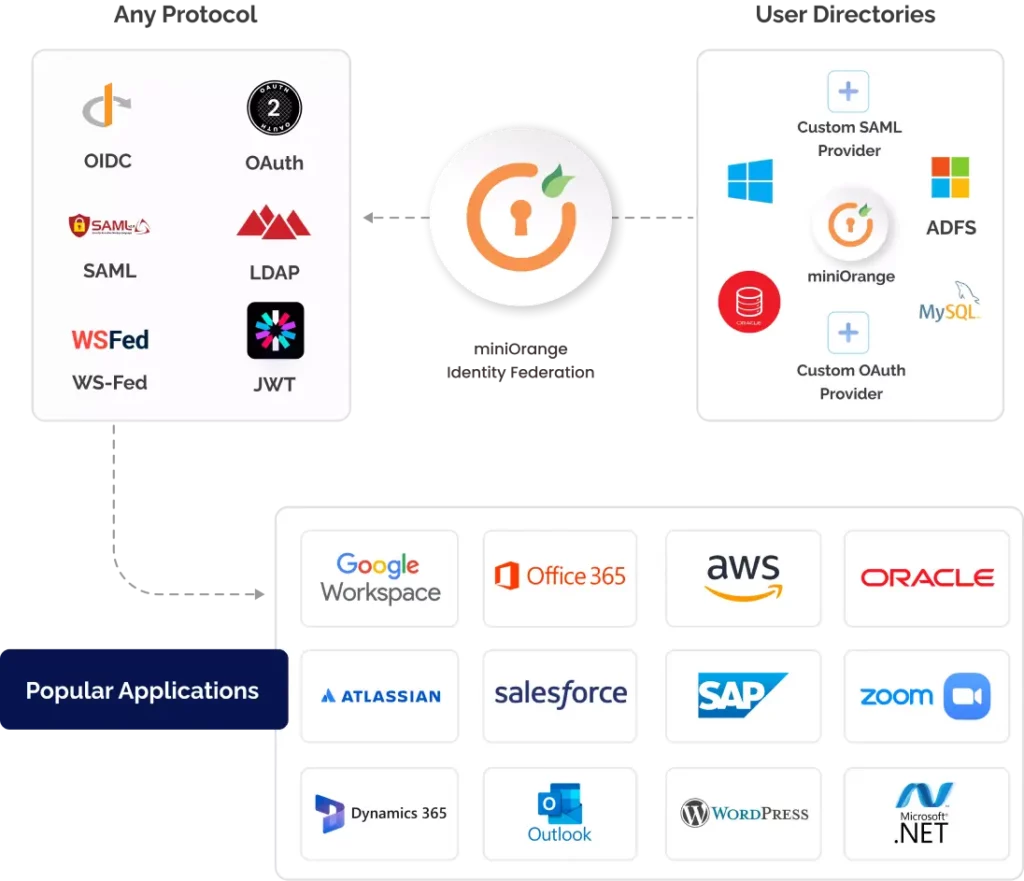
miniOrange's MFA solution protects many types of applications - cloud, on-premises and in-house - and supports all authentication protocols, such as SAML, Radius, Open ID and JWT. Replace obsolete password-based authentication with modern MFA security. Even if your custom application, developed in PHP, .NET, React, Angular or Node.js, doesn't support standard protocols, miniOrange seamlessly integrates MFA, enhancing security across your entire application environment.

  • Authentication without a password
  • Function-based MFA
  • User self-registration
secure login process

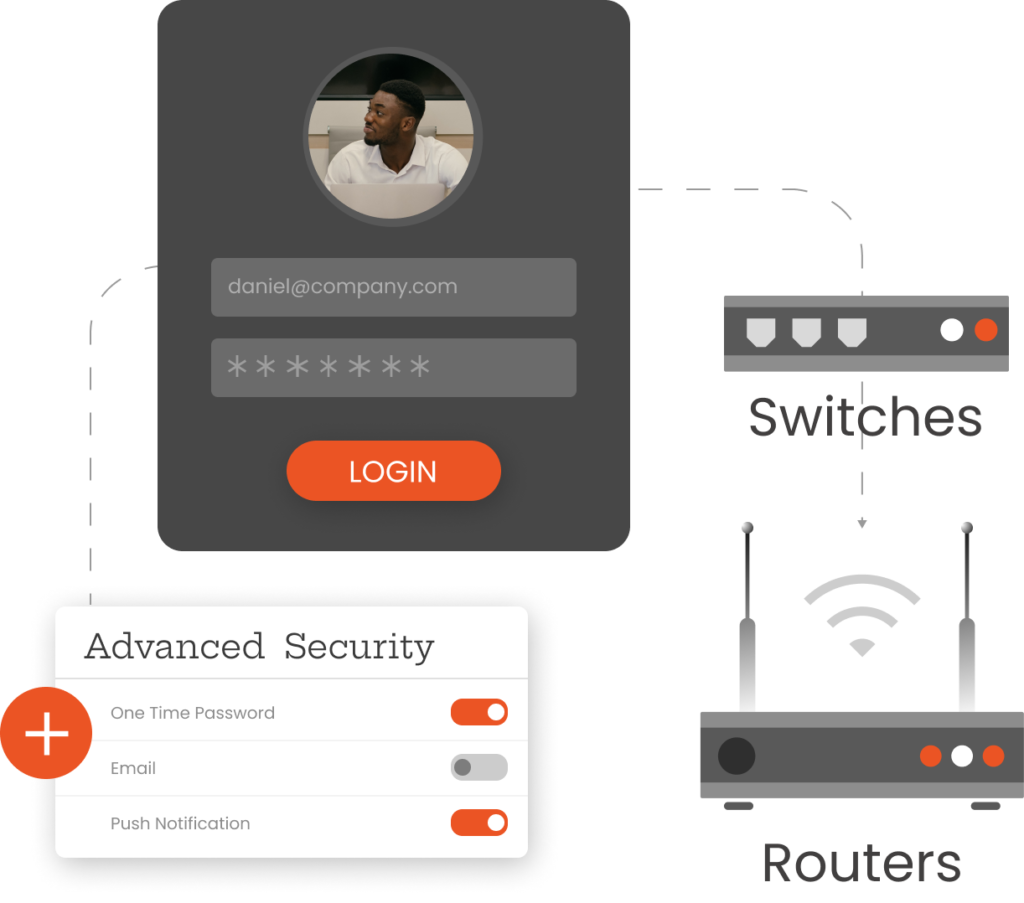
Implement MFA security for firewalls, switches, routers and other network devices with the miniOrange MFA solution, which goes beyond VPNs and strengthens your entire corporate network. Use the Radius and TACACS protocols with miniOrange to encrypt switches and routers based on your network's hardware capabilities and add Multi-Factor Authentication to enhance your security posture.

  • Centrally protect all your network devices
  • MFA is deployed without requiring any external proxy
advanced security features

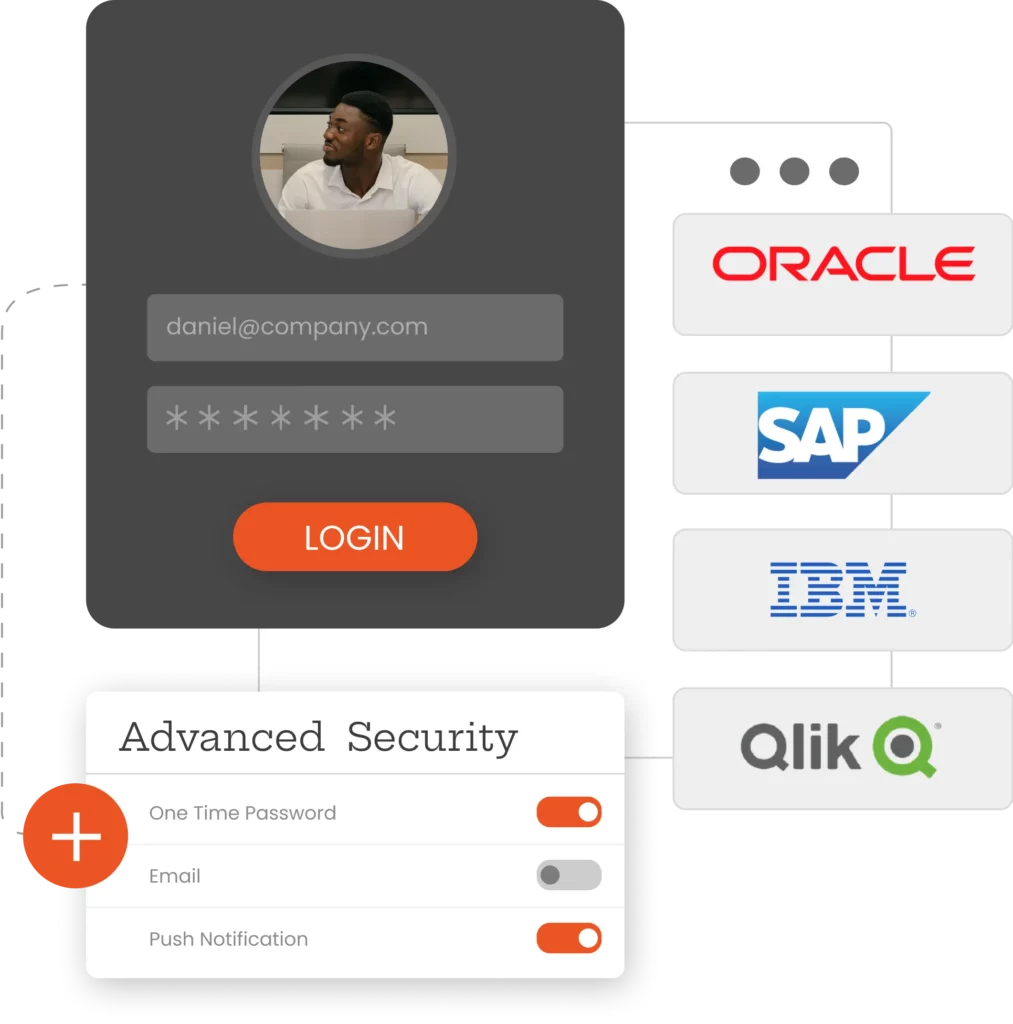
Protect valuable historical data and meet compliance requirements with MFA services and secure legacy applications such as Oracle EBS, QlikView, PeopleSoft and Siebel CRM. Our advanced Multi-Factor Authentication solution integrates seamlessly with these legacy systems, offering modern security without operational disruption.

Training more than 25 thousand customers around the world

logos of various companies

Unique features of the MFA solution

Multi-factor authentication

Simplified User Registration

  • The user self-registration feature makes implementing MFA quick and easy.
  • Users can easily sign up on miniOrange's easy-to-use self-registration portal.
  • They can choose their preferred MFA method from the list of options approved by the administrator.
  • Administrators can request that users sign up automatically on their first login, instead of provisioning them manually.

MFA without password for workforce productivity


  • Eliminate the hassle of password management for your employees who have to deal with multiple work applications on a daily basis.
  • Allow users to access applications and resources securely without requiring passwords.
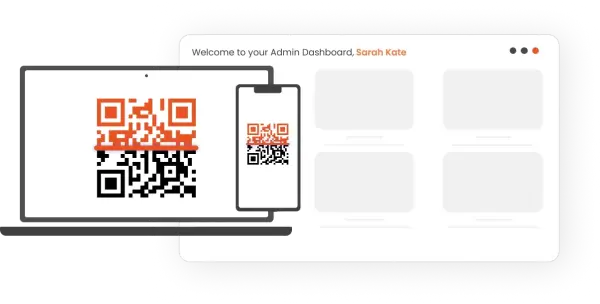
  • Ensure seamless user login via alternative methods such as Microsoft/Google Authenticator, push notification, OTP verification, biometrics, etc.
QR code reader
Conditional access

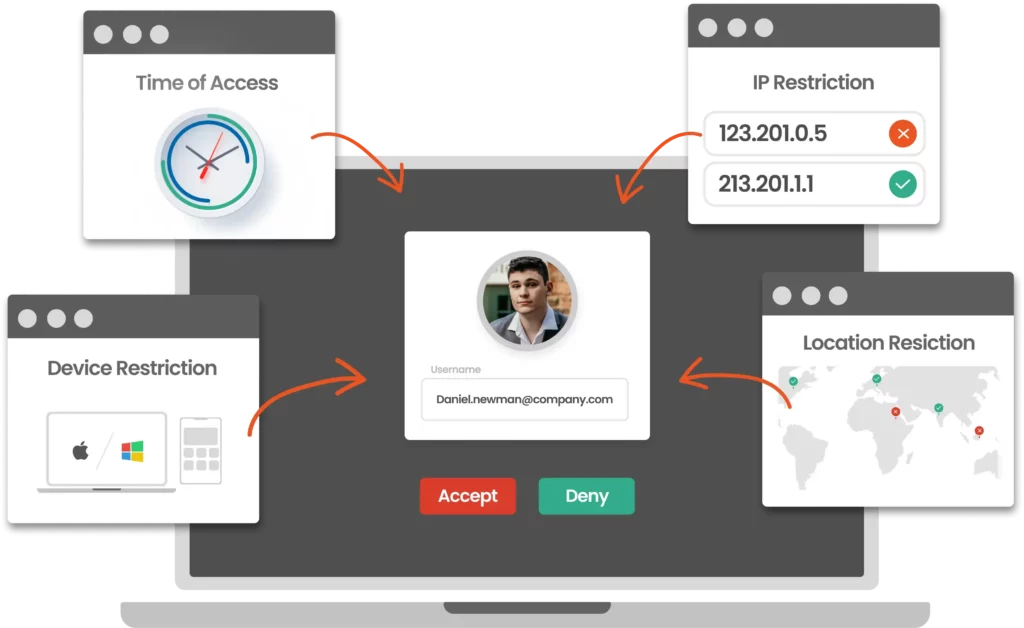
Advanced MFA security with conditional access

  • Protects 99.9% of accounts against intrusions in high-risk scenarios.
  • Apply restrictions based on IP, location, device and time.
  • Trigger responses such as Allow, Challenge MFA or Deny.
  • It analyzes user behavior and contextual factors for a correct response to threats.
  • Define adaptable policies customized to your company's unique needs.

Better support for reporting and compliance

  • Keep track of all user logins through multi-factor authentication.
  • Robust tools at your fingertips: session management and user monitoring, user login auditing, user and administrator activity reports, etc.
  • Trigger responses such as Allow, Challenge MFA or Deny.
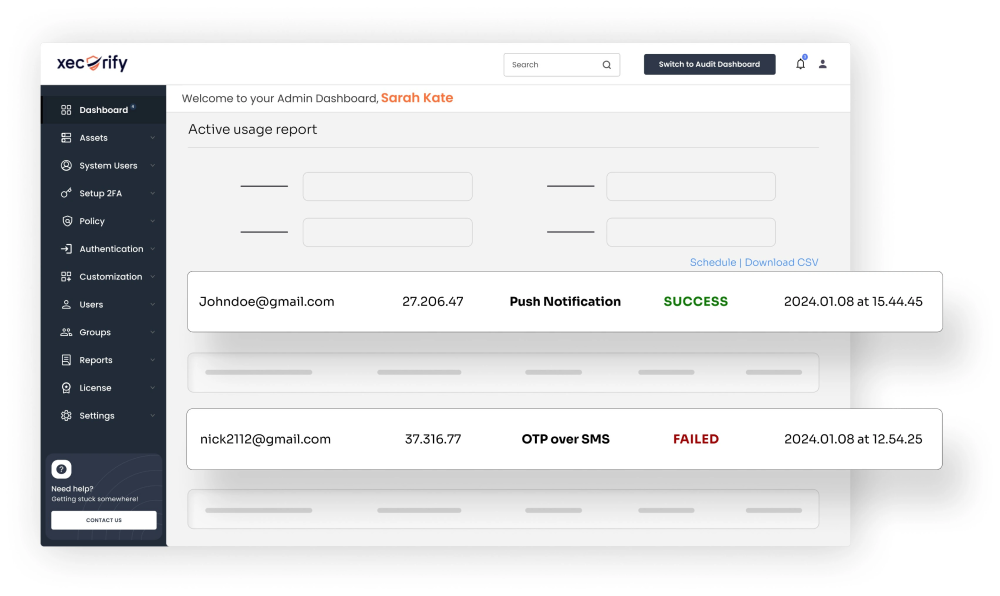
  • Get complete reports on all user activities in a single dashboard.
  • Comply with international regulations such as GDPR, HIPAA, SOX and others.
Active use report

Benefits of multi-factor authentication (MFA)

health and safety icon

Build strong user confidence

Implementing MFA Security increases trust between employees, customers and partners, preventing unauthorized access and guaranteeing privacy protection.

financial icon

Reduce IT management costs

MFA reduces security breaches and calls to IT support by removing password-related vulnerabilities, thus minimizing the workload of security teams.

upward trend

More flexibility and productivity

Make login flexible and easy for your users with more than 15 MFA methods to choose from. Customized MFA policies improve user productivity as well as offering robust security.

Multi-factor authentication (MFA) methods supported by miniOrange

SMS and callback

Receive an SMS on your cell phone with the information you need to validate your second factor.

Authenticator applications

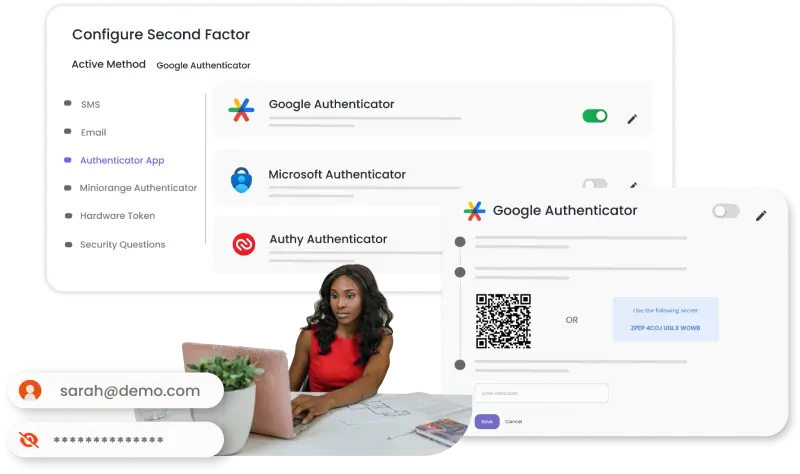
Receive a time-based OTP token (TOTP) via an external authentication application, such as the Google/Microsoft authenticator.

miniOrange authenticator

Use the miniOrange authenticator to log in in the form of a soft token, push notification or QR code.

Email verification

MFA using login links and password keys to your registered e-mail address.

Hardware token

Use a physical USB token on your computer, which has generated the information needed to gain access.

Security questions

Answer some security questions based on knowledge that only you know in order to authenticate yourself.

Questions Frequent

Yes, our solution also supports external and internal SMS or e-mail gateways. We also have our own miniOrange gateway, which you can use if you don't already have one.

In the miniOrange dashboard, administrators can modify existing email templates or add a custom template for the email verification method. You can personalize the user experience with your branding on login pages, email templates, etc.

Administrators can easily configure two-factor authentication methods during user onboarding, from among the more than 15 two-factor authentication methods supported by miniOrange. You can also ask users to set up two-factor authentication during their first login. The two-factor authentication methods for different users or user groups can be easily managed from the miniOrange dashboard.

Whether your organization is using an internal authentication mechanism or any third-party authentication system, miniOrange can enable MFA using custom connectors that can work seamlessly with your existing authentication setup.

Knowledge Factor (something you know) Knowledge factors include various passwords, PIN codes and answers to security questions. Anything you can remember, type, say, do, perform or otherwise recall when needed is considered an element of knowledge.
Possession Factor (something you have) This factor suggests that you own a specific physical object that a hacker would not acquire. This category includes smart cards, cell phones, physical tokens, key chains and key rings.
Inherence Factor (something you are) Inheritance factor can include something that is part of or unique to your physical body, such as a fingerprint, a retinal test, voice or facial recognition or any other type of biometric. As the name suggests, it's something a person inherits.

Learn about other Identity Management

The identity management solution is suitable for companies of all sizes, from small businesses to large organizations. The solution is easy to use and offers a variety of features to help companies protect their digital identities.

Companies provide end users with access to their digital property, as well as governing, collecting, analyzing and securely storing all user data.

Learn about other