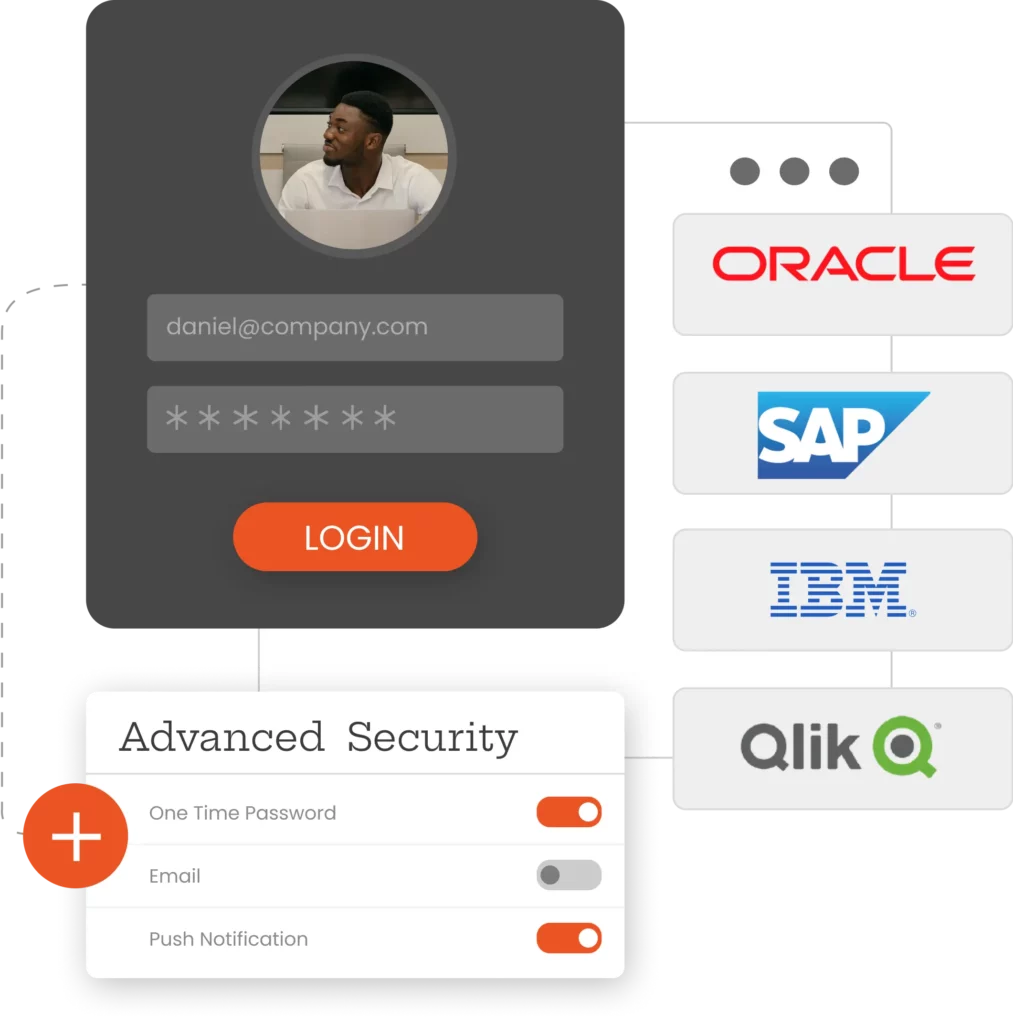
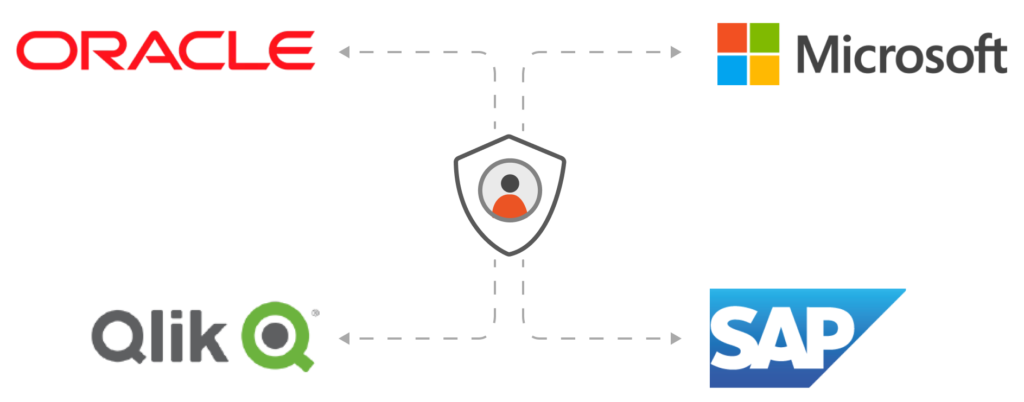
Extend modern authentication to users in your legacy or local applications without modifying the source code.
Easily integrate with miniOrange Identity Provider or any other external identity provider, such as Microsoft Entra ID, Okta, Ping Identity (PingOne) and Google Workspace.
Single Sign-On (SSO) is a system that allows a seamless login process for a user to access multiple applications with a single username and password. The SSO service is an important part of Identity and Access Management (IAM) This makes overall password management easier. With SSO software, the end user's time and effort are saved, as they don't have to constantly log in and out of various web, local and cloud applications.
Traditional web applications, more commonly referred to as legacy applications, predate modern authentication schemes and use WAM systems to manage authentication and authorization. Therefore, modern SSO protocols, such as SAML, OAuth and OpenID, cannot be used to manage authentication and enable SSO in these applications.
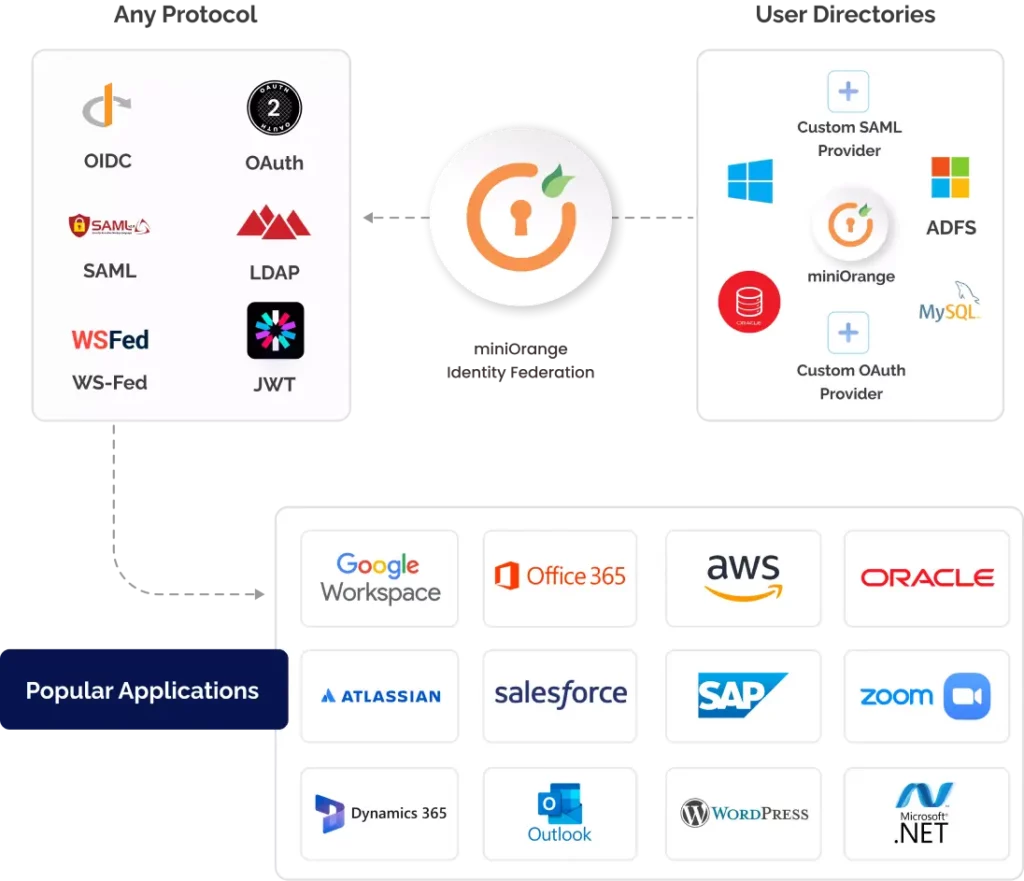
Wow legacy SSO solution acts as an intermediary between the legacy authentication scheme and the modern authentication scheme for SSO for all legacy applications using a single set of login credentials.
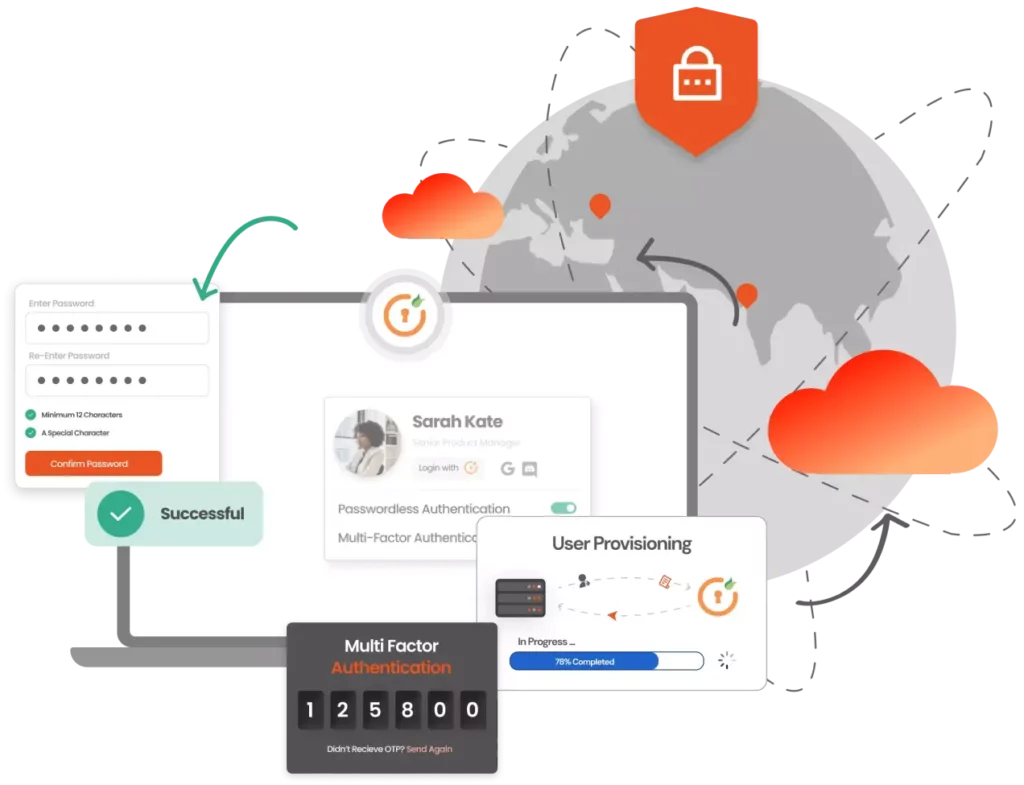
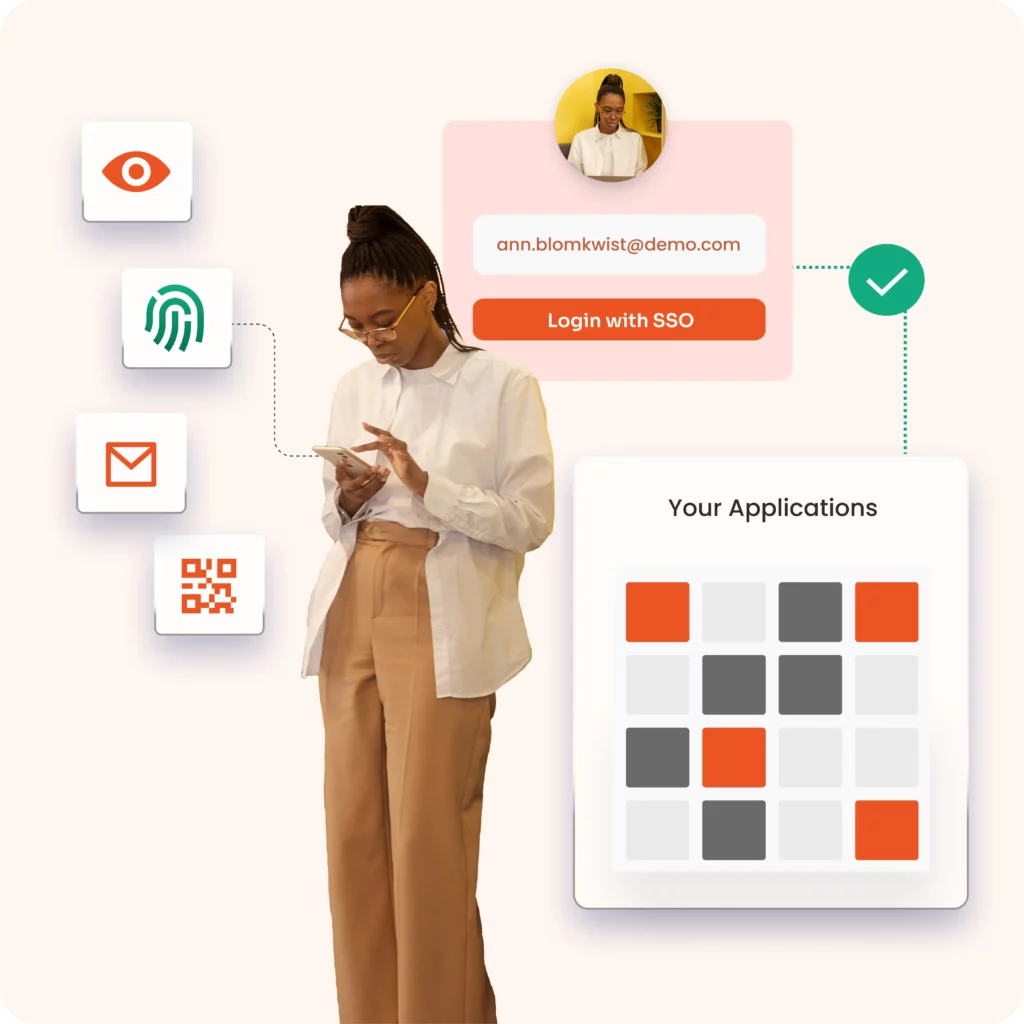
Quickly enable OIDC or SAML Single Sign On (SSO) together with MFA without affecting the applications' source code.
Allow users to use the same credentials to log in to all applications.
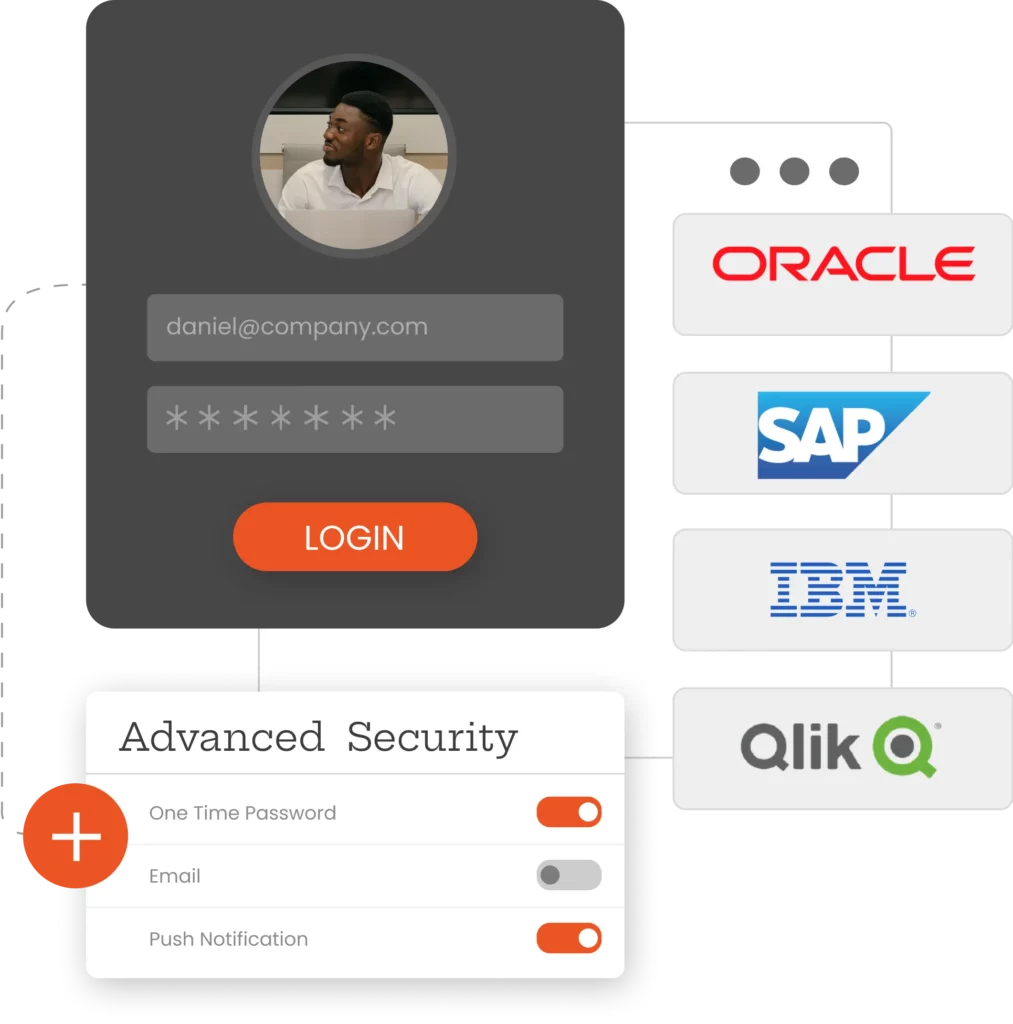
Enable zero-trust security through continuous login, multi-factor authentication (MFA) and granular access control.
Users hosted in the Enterprise Directory, such as Azure AD, Office365, Google Apps or any third-party providers that use SAML, OAuth, databases, APIs, etc.
Meet compliance, audit and cyber insurance requirements quickly and easily.
By fully exploiting the capabilities of IdaaS, legacy WAM providers can be eliminated from the environment.
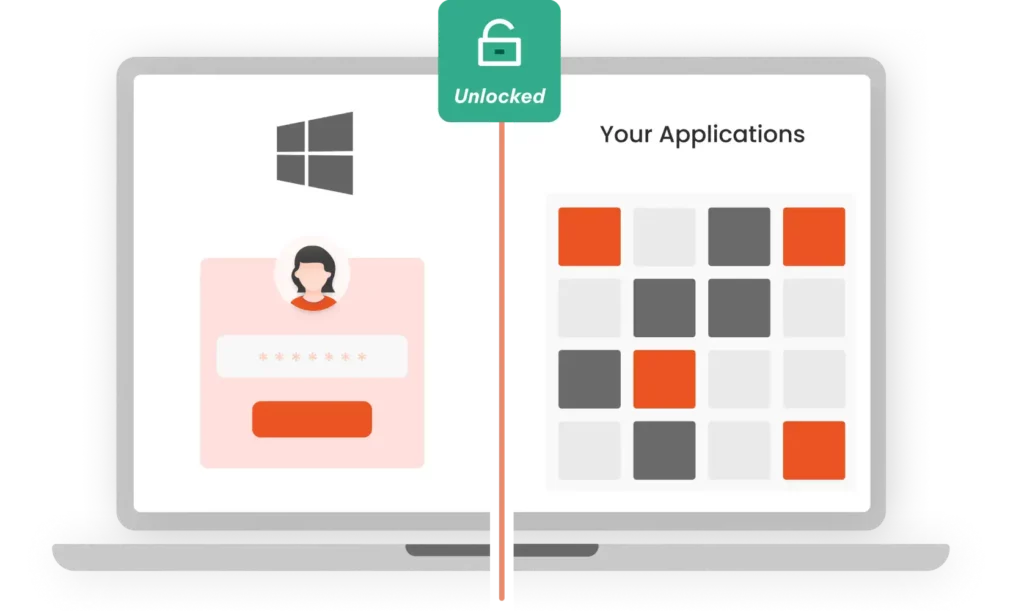
Easily access your corporate applications with desktop login (Windows network), without the need for multiple credentials. Share access securely between multiple users without creating individual accounts with shared login. Enable authentication using social networks such as Google, Facebook and LinkedIn with social login. And if you have multiple Microsoft accounts, use multiple login to access them with a single password and a single click.
Customized internal applications and tailor-made software developed in-house.
Open source commercial applications and external sites that need secure access and integration.
Critical business applications used by employees and external platforms for customers.
Older business systems, such as JD Edwards, PeopleSoft and E-Business Suite, require modernization.
Applications that use custom HTTP headers or LDAP for authentication and access control.
The miniOrange cloud-based solution allows you to choose your subscription plan based on your current needs.
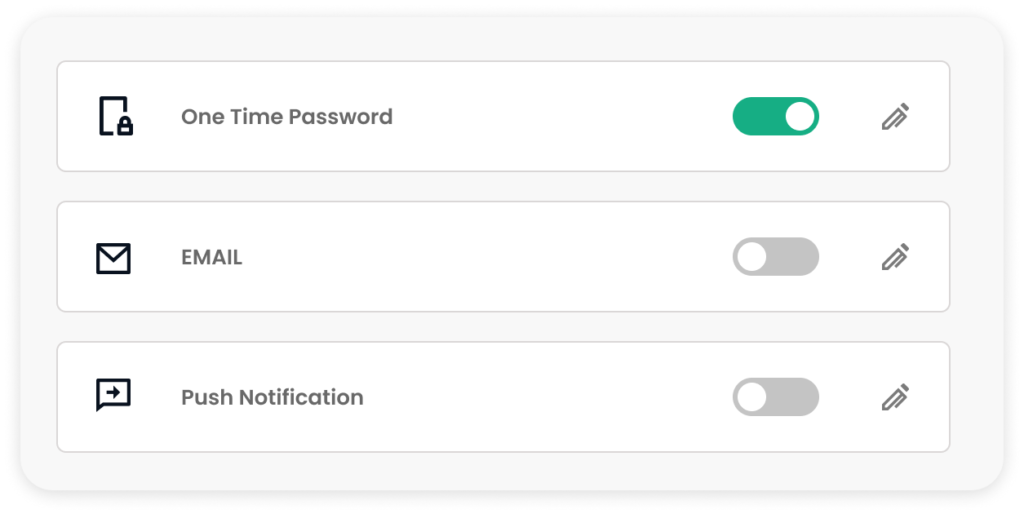
Receive an SMS on your cell phone with the information you need to validate your second factor.
Receive a time-based OTP token (TOTP) via an external authentication application, such as the Google/Microsoft authenticator.
Use the miniOrange authenticator to log in in the form of a soft token, push notification or QR code.
MFA using login links and password keys to your registered e-mail address.
Use a physical USB token on your computer, which has generated the information needed to gain access.
Answer some security questions based on knowledge that only you know in order to authenticate yourself.
The identity management solution is suitable for companies of all sizes, from small businesses to large organizations. The solution is easy to use and offers a variety of features to help companies protect their digital identities.
Companies provide end users with access to their digital property, as well as governing, collecting, analyzing and securely storing all user data.